|
|
|
|
WiNRADiO WaveBase 3 is a combination of three functions in one
| WiNRADiO WaveBase 3 is a combination of
three functions in one: shortwave frequency database, task scheduler and
audio recorder, all neatly integrated and suitable for any
general-purpose G3
series receiver.
WaveBase 3 makes it possible to easily import station frequency data
and broadcast schedules from the Internet (HFCC and EiBi websites) to
maintain accurate, easily searchable records that can be used to
automatically control recording. Selected database records can be also
easily exported as CSV-formatted files.
You can tune a WiNRADiO receiver to the desired station by selecting
it directly from within the displayed database records, or use the
scheduler to automatically tune to a station and record the audio signal
at the desired date and time. |

(Click on any image on this page to see their enlarged versions.)
|
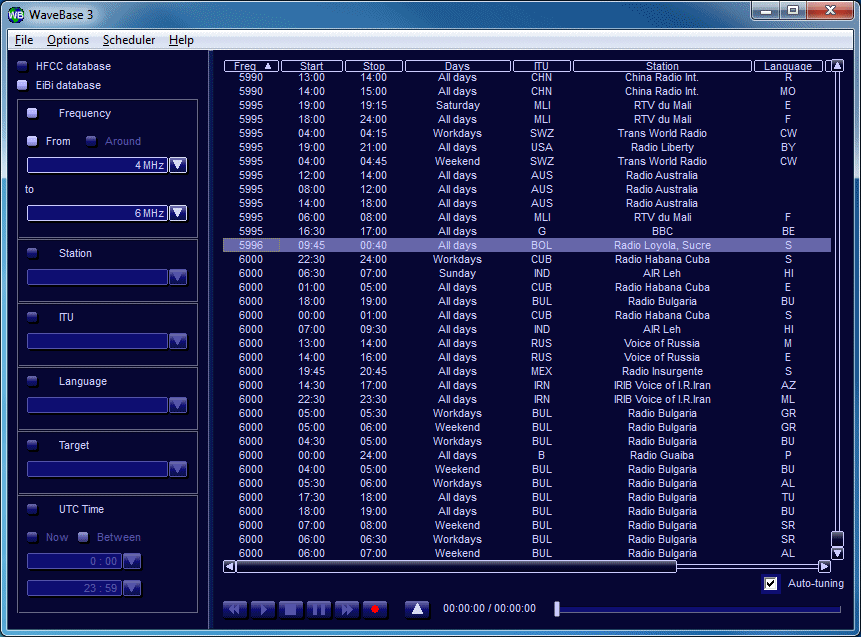
| The WaveBase 3 database can import the HFCC
(High Frequency Co-ordination Conference) and EiBi
frequency lists which are freely available on the Internet. These lists
consist of records representing the station names, frequencies and
transmission timetables. Both databases are periodically updated and can
be easily downloaded.
The database records are shown as a large table, displaying many
frequencies simultaneously. The table columns and their order can be
customized by the user. From within the database table, you can tune the
receiver to a station's frequency, launch the scheduler, start
recording, or display detailed information of the selected station.
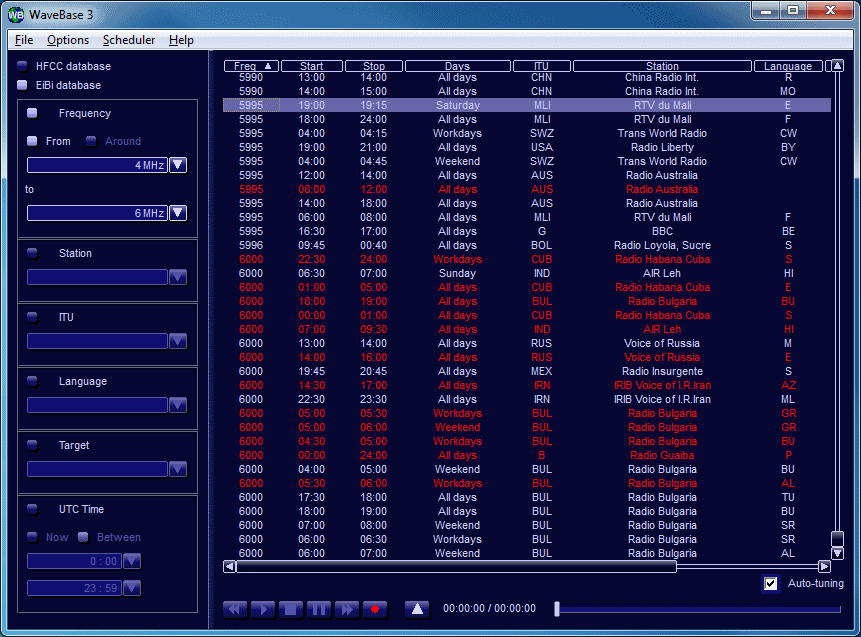
To search the database for a particular station of interest, you can
set up a search filter according to various search criteria. |

|
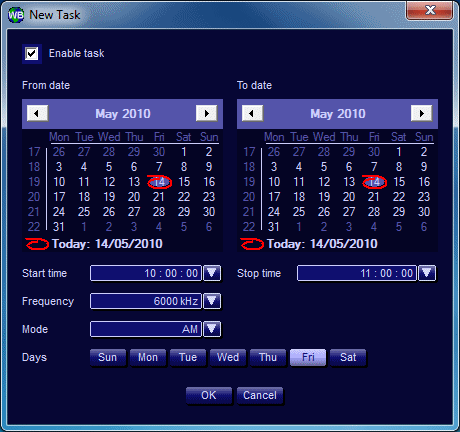
| The WaveBase 3 scheduler is designed to automatically
tune the receiver to a desired frequency and record the received audio
at a preset time and date. You can easily set the scheduler to record a
radio station's daily transmissions (up to 24 hours of recordings) on
certain days of the week, or for an entire season, as long as your
computer has enough free hard disk space.
The "schedule" is a table consisting of one or more tasks. For each
task it is possible to set a frequency, mode, start and stop times and
dates. If your recordings take place over a period of several days, you
may also wish to specify the days of week on which recordings are to be
made.
When specifying recording times, it is possible to select either UTC
or local time. |

|
| System Requirements |
| Receiver |
Any general-purpose
G3 series receiver |
| Operating system |
Microsoft Windows XP/Vista/7 |
| CPU |
Pentium P4 1.6 GHz or higher |
| RAM |
512 MB |
| Sound card |
Any Microsoft Windows compatible sound card
(needed for the recording function only) |
| Hard disk space |
6 MB free space for application installation, 30 MB free space for
database |
|
|